Select one element.
Choose a scene video, text, character, music or voice in X-Ray. The variation conversation starts from that selection.
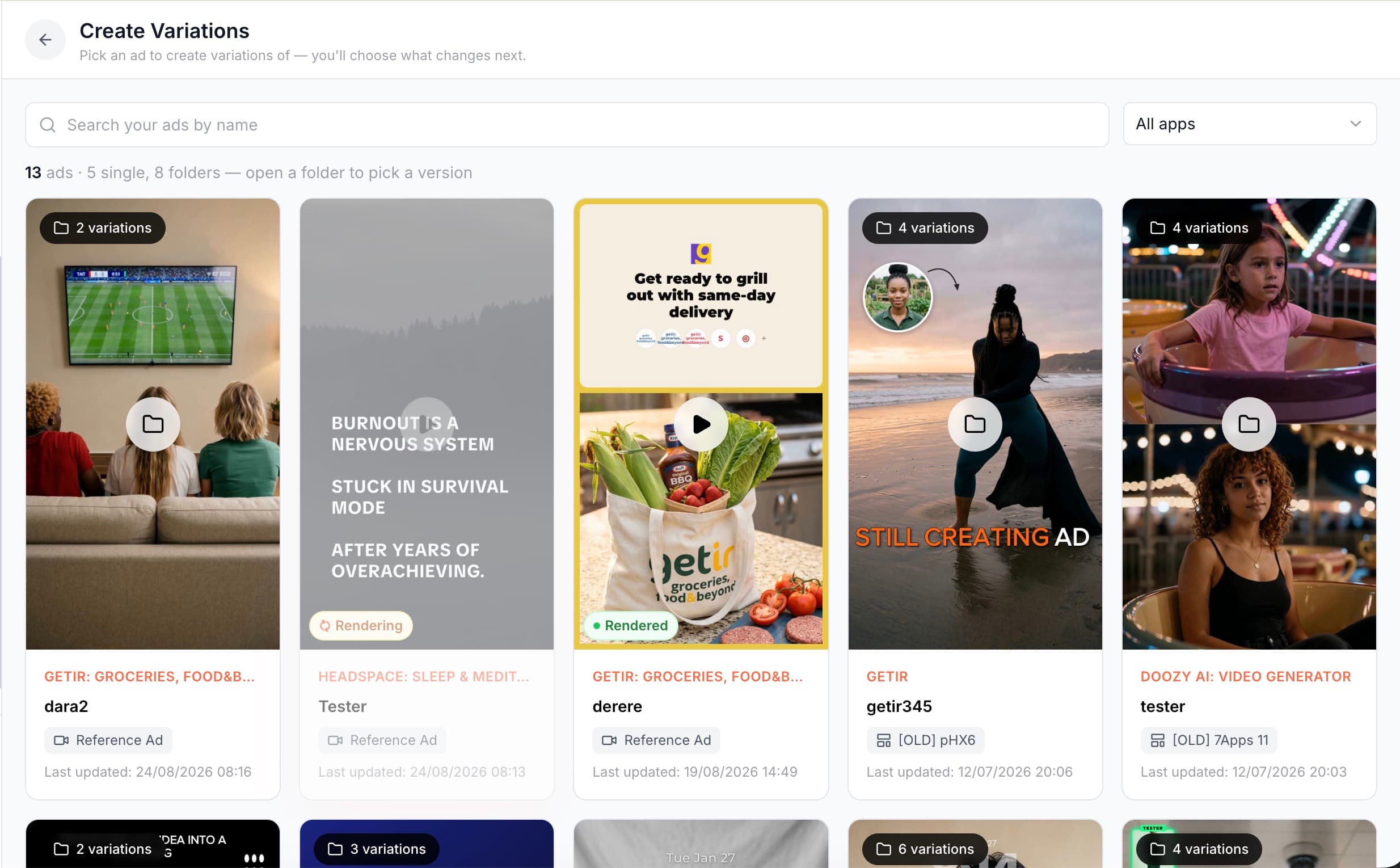
Ad Creative Variations
Create alternatives to a scene, text, character, voice or music element without rebuilding the whole ad. Select a part in X-Ray, explore distinct variations in conversation and approve the set and credit cost. Review the generated alternatives and keep the versions you want to use.
Start free Explore the workflow ↓Variation is most useful when you know what is changing. Pantheon works on one selected element at a time, keeping the rest of the creative as context. That gives each batch a clear purpose, whether you are exploring a new opening or a different delivery.
Start with the original ad, then explore seven variations of the same “POV: you wake up as…” concept. Different characters and settings give the idea a new direction.
THE ORIGINAL
THE VARIATIONS
Scroll to explore all 7 →Choose a scene video, text, character, music or voice in X-Ray. The variation conversation starts from that selection.
Explain what you want to explore. The assistant proposes alternatives and can research creative angles or seasonal context. Review the differences before producing the batch.
Confirm the selected element, variation set and credit cost. Up to 30 variations enter the queue together, with results accumulating as drafts.
The selection gives the assistant a specific surface to work on. Ask for meaningful differences in that element rather than loosely different versions of the entire ad.
The proposed set and cost are presented for approval before production. Decide which directions are worth generating.
Review the generated alternatives and keep the versions you want to use. Batch production does not replace the decision about which creative fits the brief.
Switching the X-Ray element preserves the conversation but resets the proposed production set. A new element means a new variation decision.
An illustrative brief to show how the workflow can be used—not a customer result or a performance guarantee.
A 30-credit reservation is reconciled after production. It is a temporary reservation, not a fixed price or a maximum charge. Unused reserved credits return to your balance.
“Change the headline to Try it free and move the logo right.”
Updating an overlay or its position usually reuses existing assets. These edits generally use fewer credits than generating new media. If the wording also changes the narration, voice generation adds to the work.
“Replace the background image and give the narrator a calmer voice.”
New images, speech or music require generation. Usage depends on what is created: images, the amount of speech, or the duration of generated music.
“Replace the opening scene with a character speaking outdoors.”
New video and speaking characters typically require more generation. Clip duration, character appearance, voice and lip-sync all affect usage.
These are historical Vibe Edit group averages, not fixed prices or measured Variation averages. Variation estimates use the per-output rates below. Reference: 23 September 2026.
Translation: ≈0.25 credit per language. Text-animation generation: ≈5.8 credits per call. Text work varies with the request.
Per generated or edited image with Nano Banana 2.
Speech generation. A new cloned voice adds 5 credits; voice design adds approximately 2 credits.
ACE-Step rate per output minute. All generated candidates count, so the selected soundtrack duration alone does not determine usage.
Kling v3 Pro image-to-video. A newly generated base image adds 0.8 credits.
Observed Seedance 2.5 rate; the 720p estimation rate is 3.05 credits per second. Resolution and actual provider usage can change the total.
Observed effective OmniHuman lip-sync rate. Character images, speech and a new voice, if needed, are additional components.
Rates apply to generated assets, not every second of the finished ad. Analysis, scripting and other regenerated layers contribute to the final total. Components already included in an edit average should not be added to that average again.
Pantheon's Variations changes one element of a finished ad at a time — a scene's background, the hook text, the character, the music, the voice — and produces up to 30 alternatives of that element in one batch, without rebuilding the rest of the ad. You pick the element from X-Ray, describe what to try, and confirm before anything renders.
A conversation. An AI assistant proposes directions, can run web research (competitor angles, seasonal trends) and builds a set of variations that are genuinely different from each other — it refuses to add a variation that duplicates one already in the set. The assistant asks for confirmation, showing the element, the list and the credit cost, before the batch runs.
Changing one element makes the creative difference easier to describe and compare. If hook, background and voice all change, interpreting the result becomes harder. A one-element variation is still not automatically a controlled experiment: audience, delivery, spend and timing also affect performance.
They arrive as drafts as each one finishes. You keep the ones worth testing, discard the rest, and deploy the keepers to Meta as separate ads.
Yes. Ad Creative Variations is available. Generate up to 30 variations per batch, review the drafts and keep the versions you want to use.
COMPARE YOUR OPTIONS
Start with your app. Review the work. Decide what comes next.
Start free ↗