Connect your Meta account.
Use Meta OAuth to select available business accounts, ad accounts, pages and promotable apps. Check connection health and reconnect when needed.
Meta Ads Automation
Connect Meta, choose your campaign and ad set, and queue the creatives you want to publish. Pantheon transfers vertical and square videos, waits for Meta processing and creates the ad. Track progress as the batch moves from your creative library into your advertising account.
Start free Explore the workflow ↓An approved creative should not need another round of file handling before it reaches the campaign. Pantheon connects the generated ad, destination account and campaign structure, while keeping transfer and processing progress visible.
Use Meta OAuth to select available business accounts, ad accounts, pages and promotable apps. Check connection health and reconnect when needed.
Follow the guided setup if you are starting fresh, or select an existing campaign and ad set. Campaign, ad set and ad creation each have their own step.
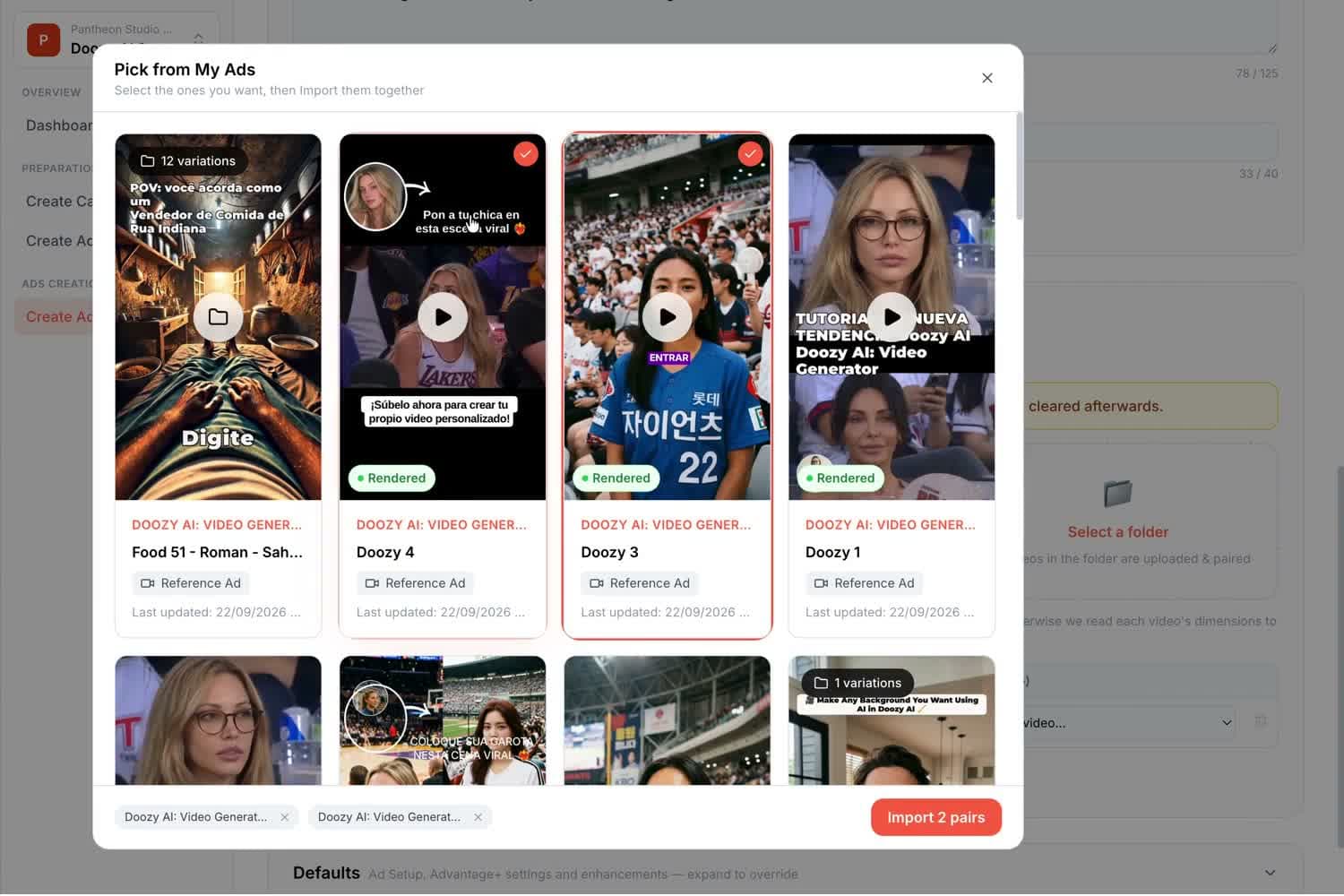
Submit multiple creatives to the queue. Pantheon transfers the videos, waits for Meta to process them, then creates the ads with their generated creative names.
Vertical 9:16 and square 1:1 videos are attached through Placement Asset Customization, giving Meta the format-specific assets for eligible placements.
The setup wizard supports a new campaign structure. You can also add ads directly into an existing campaign and ad set.
Transfer, video processing and ad creation are queued stages. Track progress instead of treating submission as an instant completed publication.
Without a Meta connection, download the vertical and square videos as a ZIP. You can also create a public viewing link when you want to share the creative.
An illustrative brief to show how the workflow can be used—not a customer result or a performance guarantee.
FIXED CREDIT PRICES
Search and Meta setup operations have fixed prices. Creative generation, editing and localization are billed separately based on usage.
per Meta campaign
per Meta ad
Ad Creation means creating an ad in Meta Ads. Generating the video creative is a separate operation. Meta media spend is paid separately.
Connect Meta via OAuth, pick the ad account and page, and Pantheon uploads the finished ad in both 9:16 and 1:1 and creates one placement-customized (PAC) ad, providing format-specific assets for eligible placements. The ad name comes from the ad you built. Deployment runs as a queue: upload, wait for Meta to process the video, create the ad, report status.
No. A guided setup wizard builds a full Meta Ads structure from the objective up for accounts with nothing in them. If you already run campaigns, Pantheon creates ads directly inside your existing campaigns and ad sets through a three-step campaign → ad set → ad flow.
Yes. Multiple ads queue together — for example the keepers from a Variations batch or all language versions of a localized ad — and each one's progress is tracked individually.
Every ad downloads as a zip with both aspect ratios, and any ad can be shared with a public watch link. Nothing in Pantheon's production side requires a Meta connection.
CPI, paid/organic ratio, retention, trial-to-paid and revenue per install by category — and what creative-matched onboarding does to install-to-subscription.
Learn · Practical guidePlan your app’s creative testing budget, calculate how many ads you can test, and fund promising concepts through to subscription results.
COMPARE YOUR OPTIONS
Start with your app. Review the work. Decide what comes next.
Start free ↗