Choose a situation people recognize.
Start with one audience and one moment: planning a meal, organizing a busy day or preparing for a conversation. Keep the benefit concrete enough to demonstrate.
AI UGC Ads for Apps
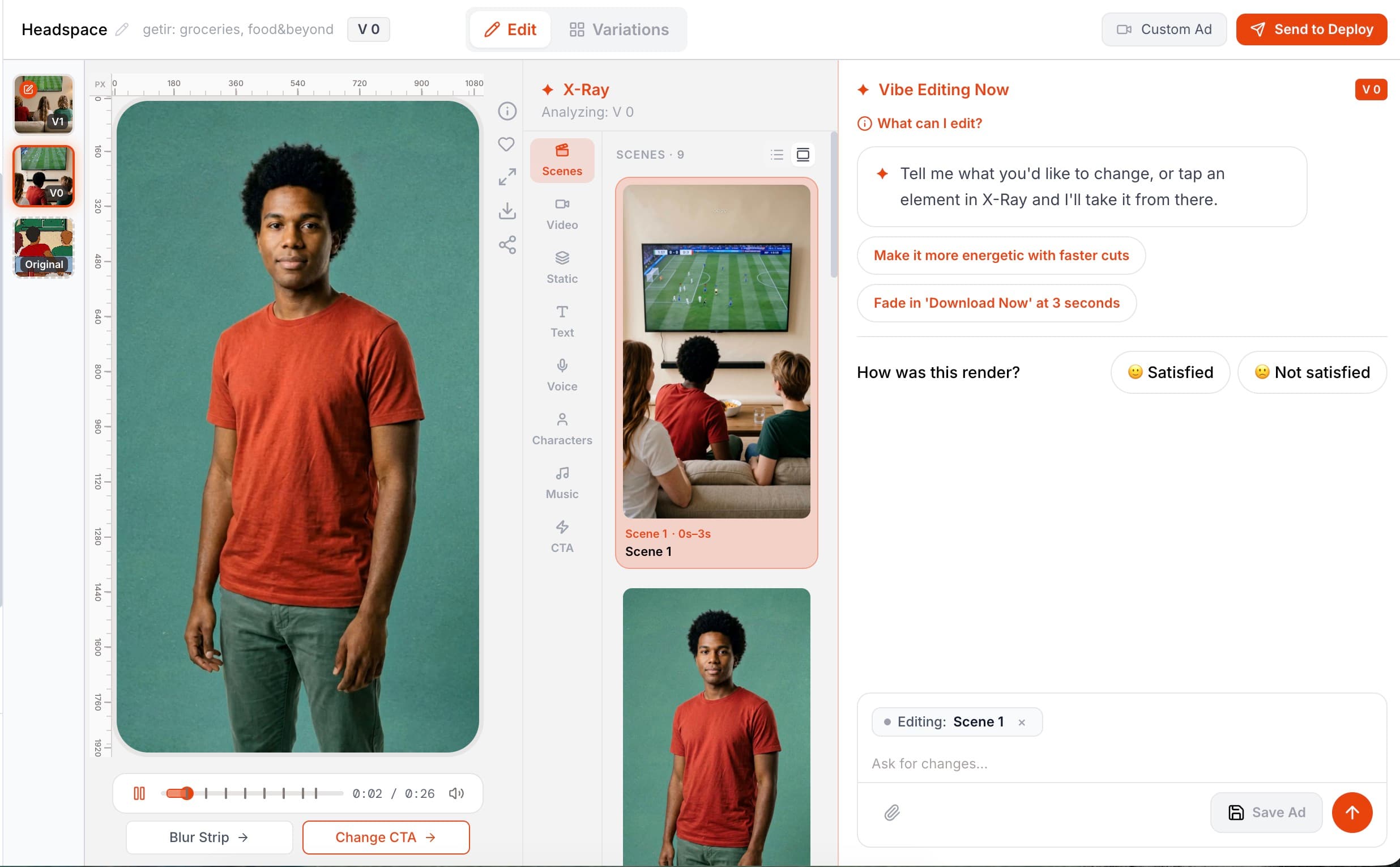
Build creator-style app ads with consistent characters, synchronized speech and a reaction overlay you can position and time. Pantheon lets you shape the person, the delivery and the product demonstration together—then refine the creative without starting again from the first scene.
Start free Explore the workflow ↓A personal delivery works best when there is something specific to show. Give viewers a recognizable problem, demonstrate how your app addresses it and finish with a clear next step. Do not turn a fictional presenter into a supposed customer or imply a personal result that never happened.
Start with one audience and one moment: planning a meal, organizing a busy day or preparing for a conversation. Keep the benefit concrete enough to demonstrate.
Build the story around the actual app experience. A presenter or voice can introduce the problem; the app demonstration should show what happens next.
Refine the scenes, captions, voice and music. Check that the message is accurate, that assets are appropriate to use, and that AI-generated storytelling is not presented as a genuine customer endorsement.
Change a character’s appearance, outfit or style and carry that change through every scene in which they appear. The voice adapts alongside the character, helping the ad feel like one coherent story.
Upload a reference photo to shape the character around a person you are authorized to depict. Combine that character with your app’s own screens and product story.
Place a reaction presenter over the video. Choose the corner or center, adjust their size and control when they appear. Remove the overlay to restore the scene’s original audio.
Talking-head scenes use lip synchronization matched to the generated voice. During localization, the lip movements are regenerated for the target language.
Illustrative creative briefs for a meal-planning app. These are format ideas, not customer endorsements or performance benchmarks.
Two mechanisms. Characters are persistent people in the ad, each with an identity, look and reference photo; changing a character's age, gender, clothing or style propagates consistently across every scene they appear in, and their voice adapts automatically. On top of that, a reaction overlay — a person reacting to the ad, typically in a corner — can be composited onto the finished video.
Yes. Upload a photo and Pantheon uses it as the character's reference image, so the same person appears across all scenes. Restyling the character later — different clothes, older, different setting — keeps that identity intact.
Yes: its position (any corner or center), size, proportional zoom, when it first appears within a scene, and whether it is there at all. Removing it also drops its voice line and restores the scene's original audio.
Yes. Talking-head scenes are lip-synced to the generated voice with OmniHuman, and when an ad is localized into another language the lip movement is regenerated for the new language rather than left mismatched.
COMPARE YOUR OPTIONS
Start with your app. Review the work. Decide what comes next.
Start free ↗