Define the creative question.
Choose the difference you want to investigate: an opening, scene, voice or CTA. Keep a record of what changed and the outcome you intend to evaluate.
Creative Testing
Bring Meta campaign performance, video engagement and creative production cost into the same workflow. Review results at campaign, ad set and ad level, filter by date and export CSV reports. Connect Adjust to evaluate acquisition using the event you define as a customer.
Start free Explore the workflow ↓A creative test starts with a question and ends with evidence for the next decision. Pantheon brings delivery, response and acquisition data into view, while keeping the generation cost attached to the creative that produced it.
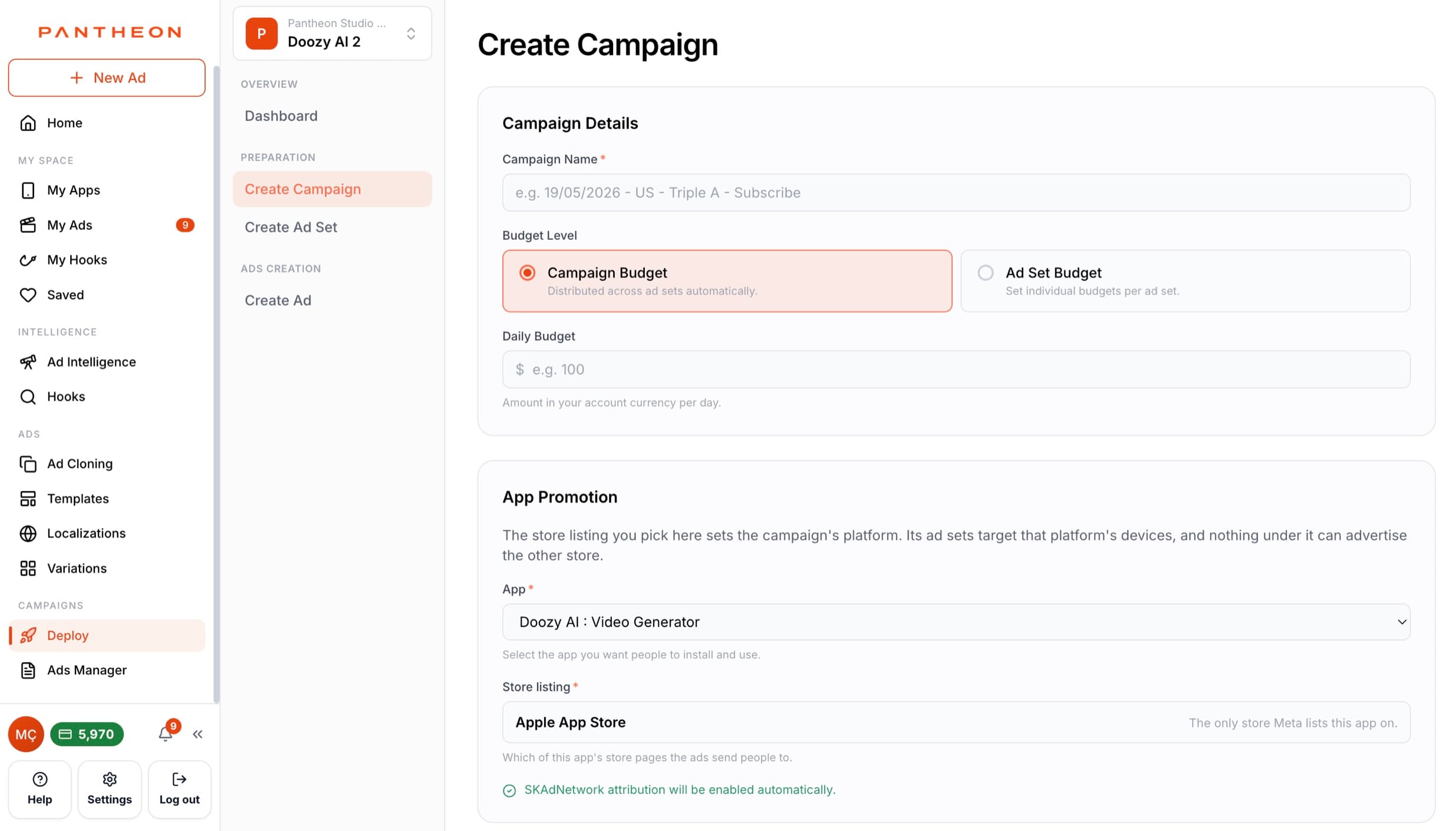
Choose the difference you want to investigate: an opening, scene, voice or CTA. Keep a record of what changed and the outcome you intend to evaluate.
Choose a date range and inspect campaign, ad set or ad results. Compare spend, impressions, clicks, installs and downstream actions alongside video viewing depth.
Export a CSV, review the context behind the numbers and decide what to vary next. If you use Adjust, map the acquisition event to the customer definition that fits your business.
Inspect reactions, comments, saves and shares alongside all clicks and link clicks. Distinguish engagement with the post from traffic towards your app.
Review three-second views, ThruPlay and 25%, 50%, 75% and 100% completion. These checkpoints help frame retention questions; they do not identify an exact second where a viewer left.
Connect your Adjust token, map your apps and choose which event represents customer acquisition. Connection validation makes the integration status visible.
Credits used to produce an ad are recorded, including asset and prompt costs. Consider creative production alongside media spend and acquisition outcomes.
An illustrative brief to show how the workflow can be used—not a customer result or a performance guarantee.
Pantheon's Ads Manager reports Meta performance at campaign, ad set and ad level with a date filter: spend, impressions, clicks, link clicks, app installs, purchases, subscriptions, post engagement, and video depth — 3-second views, ThruPlays and 25/50/75/100% completion. Everything exports to CSV.
Video completion checkpoints help you investigate retention. Compare three-second views, ThruPlay and 25%, 50%, 75% and 100% completion alongside video length and delivery conditions. They show how viewing depth differs; they do not locate an exact drop-off second or prove that a particular scene caused it.
Yes. Connect Adjust, map your apps and define which Adjust event counts as acquisition. You can evaluate CAC using your attribution provider’s data rather than only Meta-reported conversions. The selected event, attribution window and source affect the result; neither source is a universal ground truth.
Yes. Every generated ad records its production cost in credits, split into asset and prompt cost. Production cost, ad spend and installs live in one place, so the full "what did this creative cost to make and what did it return" question closes inside Pantheon.
CPI, paid/organic ratio, retention, trial-to-paid and revenue per install by category — and what creative-matched onboarding does to install-to-subscription.
Learn · Practical guidePlan your app’s creative testing budget, calculate how many ads you can test, and fund promising concepts through to subscription results.
COMPARE YOUR OPTIONS
Start with your app. Review the work. Decide what comes next.
Start free ↗